
IPTV, reimagined for the AI Era.
Experience the next generation of IPTV.
Al-powered search and discovery.
Your content. Your way.
Find what you want with natural language search and smart recommendations.
All your live channels in one beautiful guide. Never miss what matters.
Personalized for every viewer. Profiles, watchlists, and history that follow you.
Fast. Intuitive. Powerful. Designed for the way you watch today.
Measured on one real subscription across two accounts. Your provider's numbers will differ.
Built for Apple TV. From the very beginning.
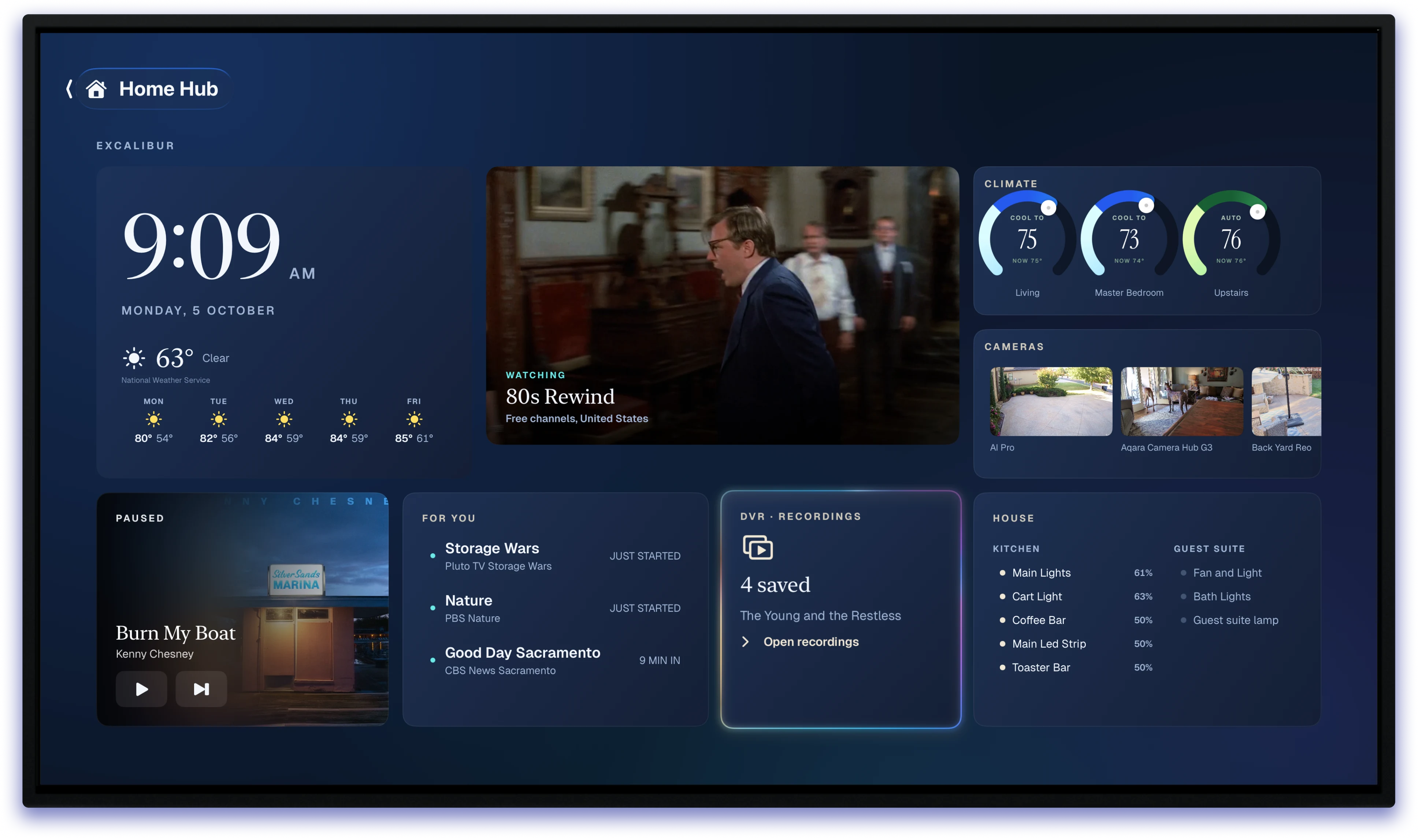
Excalibur AI TV is an IPTV player app built specifically for Apple TV, not adapted from another platform. That means smoother playback, better integration, native voice search, and features that feel like they belong on tvOS because they do.
Two engines, chosen per stream
HLS uses AVFoundation for frame-rate matching, Dolby Vision, Atmos passthrough, and AirPlay. Raw transport streams use FFmpeg, letting ExcaliburAITV choose the right playback engine for each source.
Voice search that works
The search field is native to tvOS, so voice dictation works directly from the remote. No custom keyboard, no workaround, no compromised experience.
The home row, filled
Top Shelf shows what you were watching, what’s on now, and artwork built for the carousel, with previews that play as you move through it. Not just a static logo.
Siri and Shortcuts
“Watch Northline.” “What’s on now?” “Open Multi-View.” App Intents bring these actions directly into Siri and Shortcuts.
Handoff, Spotlight, Now Playing
What you’re watching is shared with the system, so playback can follow you to your iPhone while native TV controls continue to work.
HomeKit
Bring the lights down when playback begins. ExcaliburAITV checks HomeKit availability before enabling the experience, so the integration behaves predictably at runtime.
Eight screens. Endless possiblities.
Most Multi-View experiences make you choose one audio feed and mute the rest. Excalibur AI TV keeps all four streams audible, with each sound positioned to match its picture, so you can follow the action across the screen without constantly switching audio.
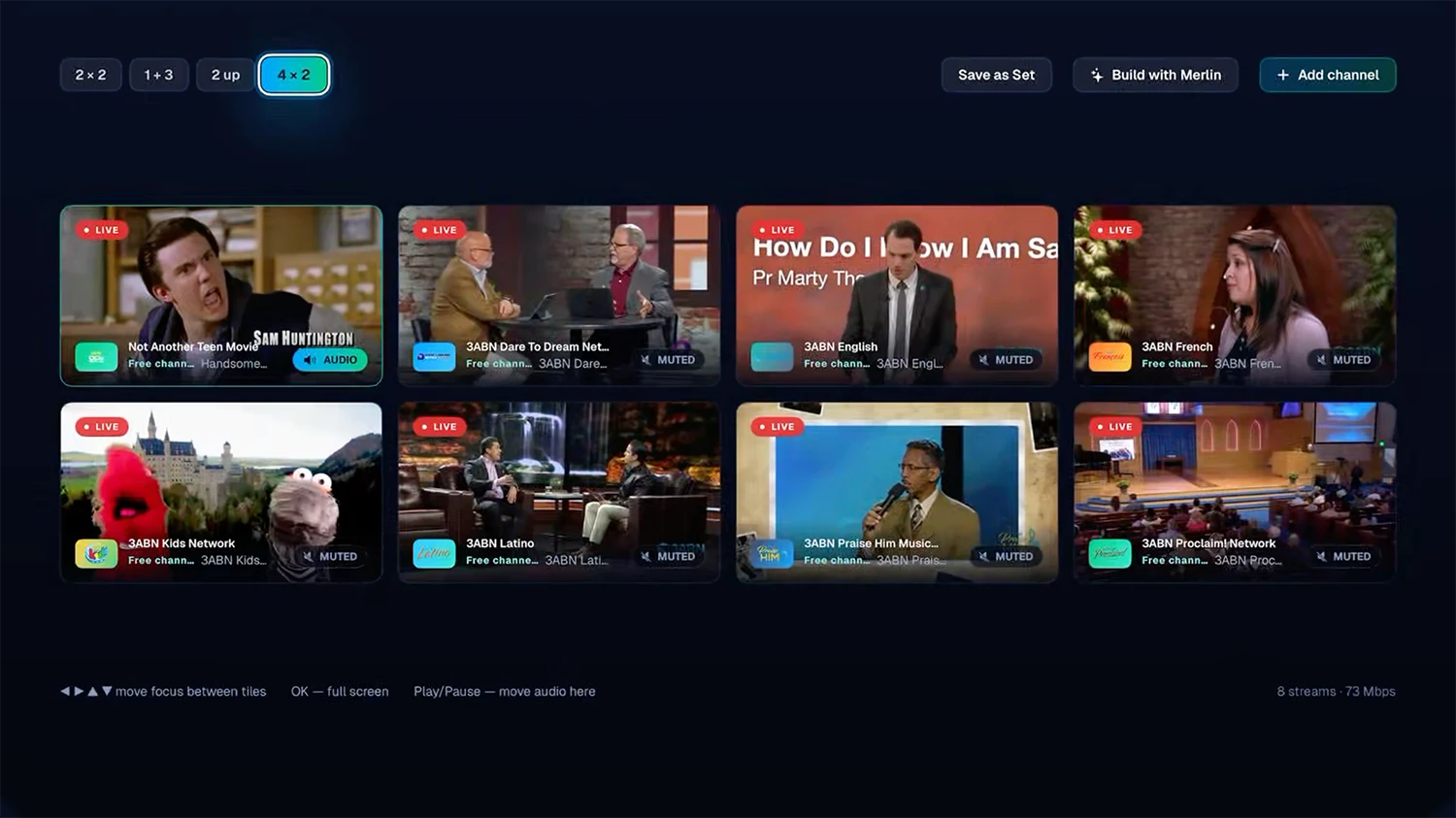
2 × 8, eight equal tiles
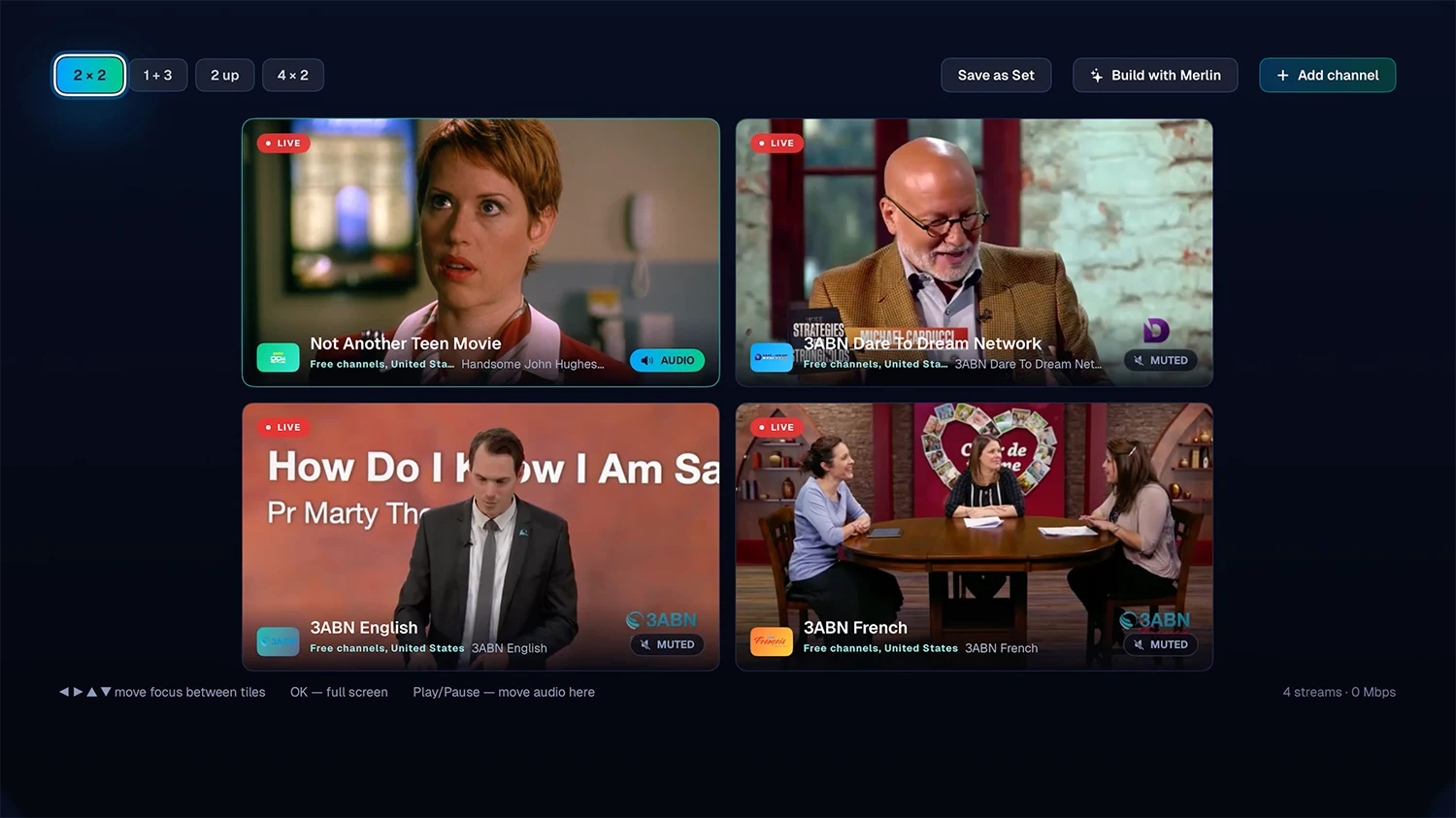
1 + 3, one match leading
Switch layouts without dropping a stream. The tile you choose takes focus, while the others remain audible in the mix.




Where the sound sits
The channel you choose comes forward, while the other three stay lower in the mix and remain positioned where they appear on screen. Choose a different tile and the soundscape shifts with it, keeping every stream easy to follow.
It costs nothing extra to decode
All four tiles already decode audio to keep video in sync. Excalibur AI TV keeps those audio streams available instead of discarding them, making Multi-View richer without adding another playback layer.
Layouts worth saving
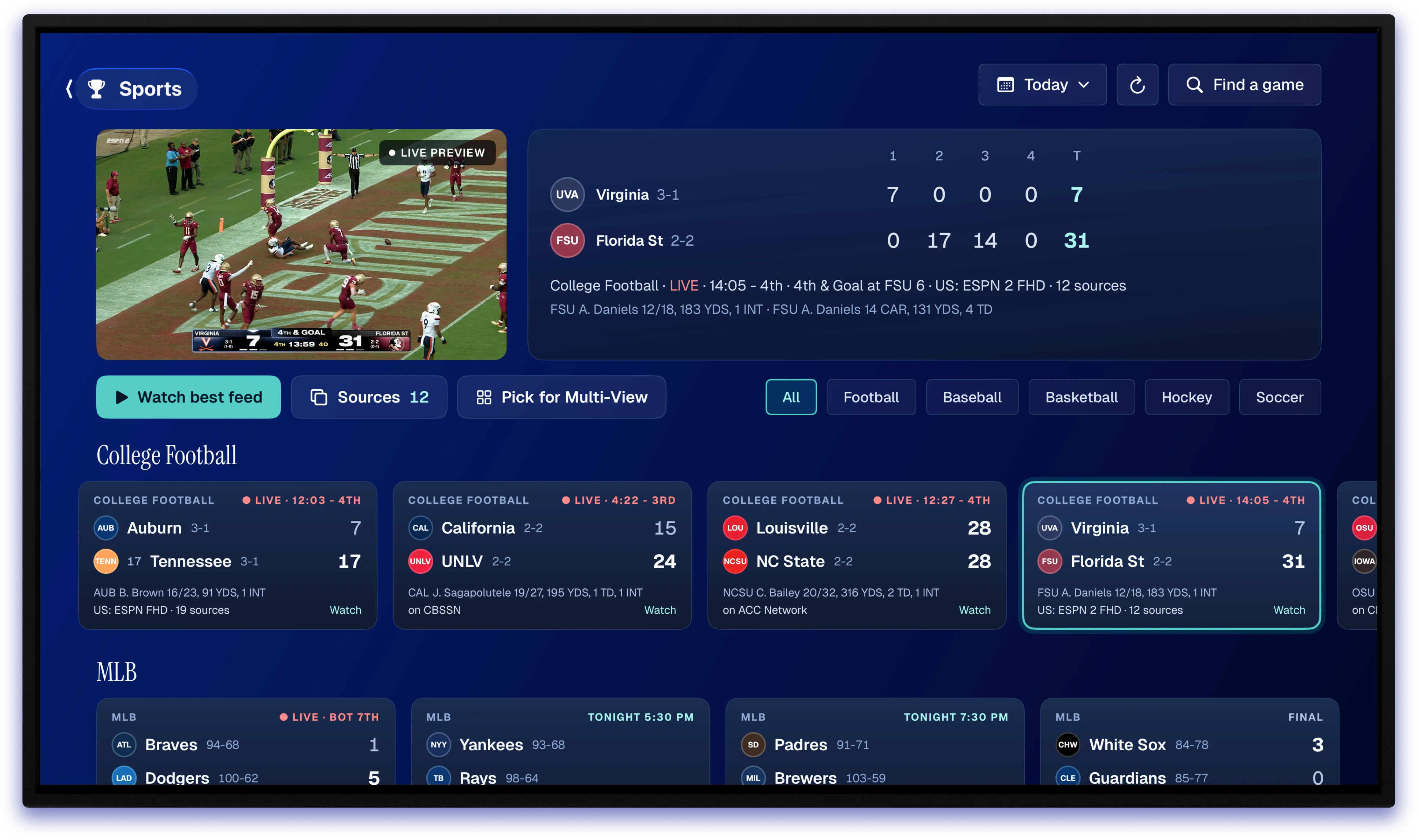
Combine two, three, or four channels from your accounts in 2×2, 1+3, 2-up, or 4×2 layouts. Save your favorites, name them, and fine-tune the volume of each tile.
Works on a single-stream account
Excalibur AI TV watches what your provider can actually deliver and adjusts the grid when limits are reached, helping keep the rest of your streams playing instead of taking everything down.
Best on AirPods
AirPods can place each stream more precisely in the sound field, making it easier to tell where the audio is coming from. Speakers and soundbars still work, but headphones deliver the most immersive effect.
Your channels. Your rules.
Your IPTV provider may hand you thousands of channels in an order that makes no sense. Excalibur AI TV brings the ones you use most to the front and makes everything else easier to find.
Pause and rewind live TV
Pause live TV, rewind what you missed, and keep recordings you want to come back to.
A guide that works
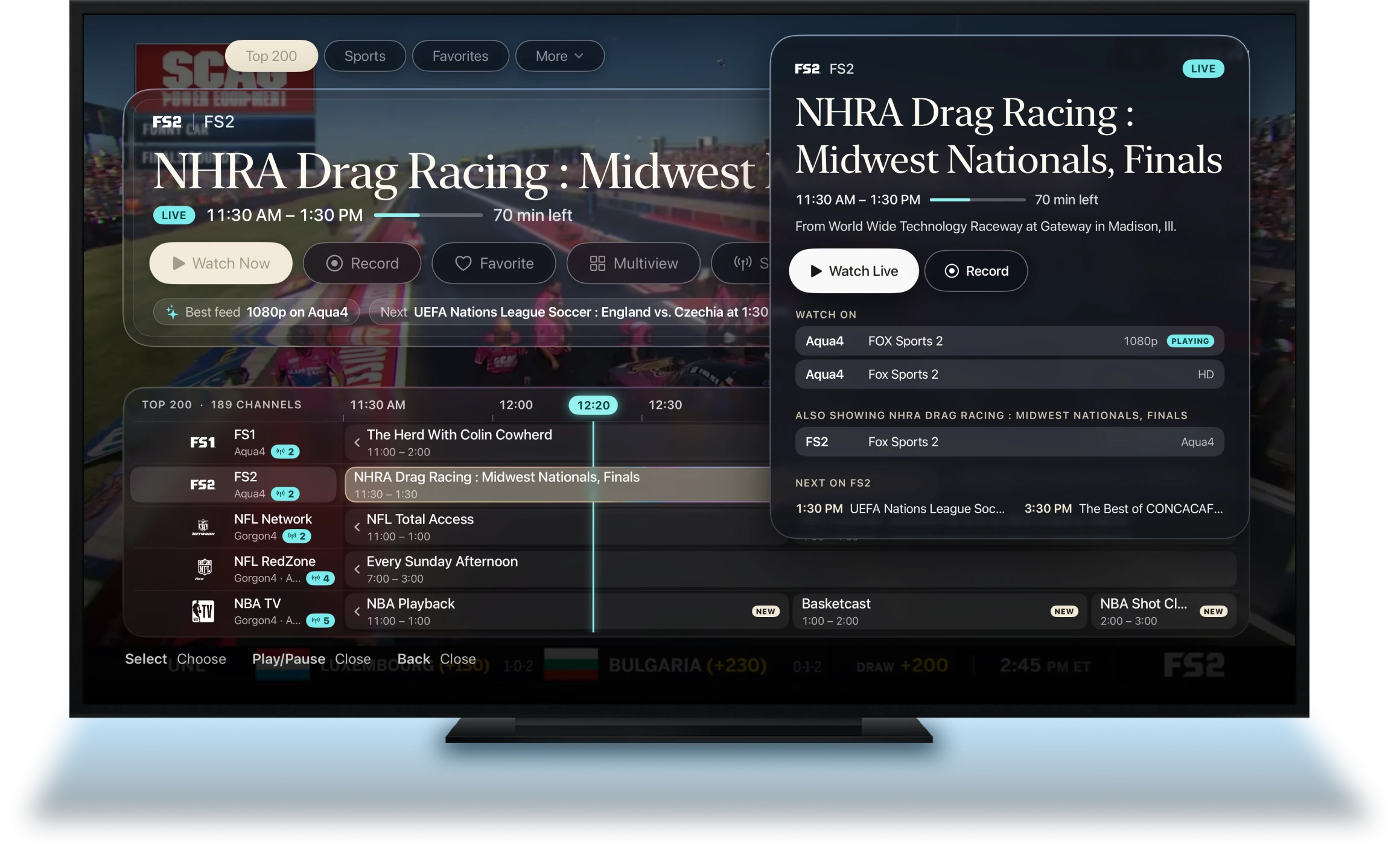
Browse XMLTV listings by day, group, favorite, or 4K. Search for programs and channel names.
Free channels from day one
Start with thousands of legitimate, ad-supported channels across 185 countries, with guide data included where available.
Multi-account, multi-room
Keep separate logins and lineups for different rooms, then search across them when you want one combined view.
Catch-up where available
Replay programs from providers that support catch-up, directly from the same guide where you found them.
An adult lock that stays local
Protect adult channels with a PIN stored only on that Apple TV, keeping them out of Search, Recents, and the Home row.
Meet Merlin.
Your wish is his command.
Looking for a western tonight? Merlin can tell you what’s on, when it starts, and whether it’s already in your lineup.
It sees what you see
Ask Merlin about what’s already on screen and get context without leaving what you’re watching
Describe what you want
Tell Merlin what you feel like watching and let it search your own catalog instead of making you scroll through endless rows.
Your AI. Your key.
Use Claude or OpenAI with your own API key, while Merlin answers from your lineup and keeps your viewing preferences limited to what helps it serve you better.
Your IPTV experience, across all Apple devices.
Your accounts, favorites, and guide settings stay in sync across your Apple devices through iCloud. You don’t need a separate Excalibur AI TV account, and your provider credentials stay securely stored in Keychain.
Connect your IPTV provider. Start watching.
Connect your IPTV provider through an Xtream account or M3U playlist, and you’re ready to go. No complicated setup.

Free for 7 days, then $24 a year or $89 once. Apple TV, tvOS 26 or later.